Security

Trust you can check.

Every device proves who it is. Every command proves where it came from. And every organization’s data is kept apart.

Line sketch of a laptop protected by a shield, with a padlock and key.
The controls

Protection at every step, console to device.

Each control below says what it does. No vague promises.

Identity

Every device has its own identity.

When a device joins, it creates its own key and receives a certificate from NeoUEM’s own certificate authority, not a public one. Device and server check each other on every connection.

Internal certificate authority · mutual TLS
Commands

Every command is signed.

Your console signs each instruction. The device checks the signature before acting and refuses anything that doesn’t match.

ECDSA P-256 signatures
Recovery

Recovery keys, ready when needed.

BitLocker and FileVault recovery keys are kept for each device, so a locked-out user is a quick fix, not a lost laptop.

BitLocker · FileVault key escrow
Isolation

Each organization sealed off.

The database itself keeps tenants apart, a second line of defense behind the application.

PostgreSQL row-level security
Sign-in

Sign-in that stands firm.

Passkeys, authenticator codes and single sign-on with your identity provider. Users can be provisioned and removed from your directory.

WebAuthn · TOTP · OIDC · SCIM
Roles

Access that matches the job.

Built-in and custom roles limit who can do what. Sensitive actions can require a second approver, extra access expires on its own, and owners review access every quarter.

Custom roles · approvals · just-in-time access · access reviews
Sessions

Sessions you can end.

Each account has a cap on concurrent sessions. Any session can be revoked from the server, and a password reset ends them all.

Session limits · server-side revocation
Encryption

Secrets encrypted twice over.

Connections use TLS. Recovery keys, authenticator secrets and identity-provider credentials are also encrypted by the application before they reach the database.

TLS 1.2+ · AES-256-GCM field encryption
Audit

A record that holds.

Important actions are recorded in an audit log, which can be archived to write-once storage.

Audit log · S3 Object Lock archive
Removal

Device removal, double-checked.

Retiring a device takes a second factor. Its connection closes and anything still queued for it is cancelled.

TOTP-protected retirement
Evidence

Every change, on the record.

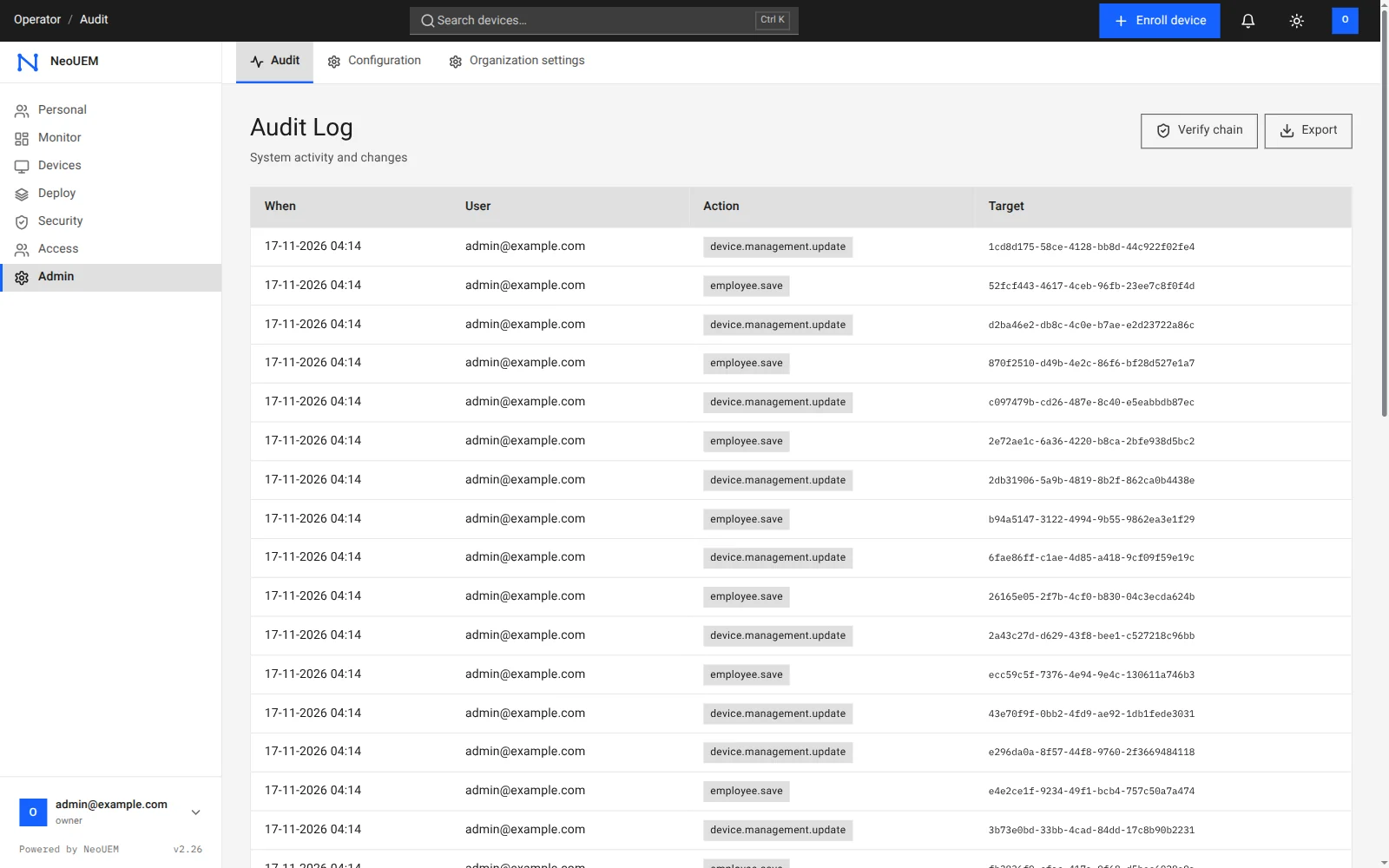
The audit log shows who did what and when. Verify the chain to confirm nothing was altered, or export it for your auditor.

The NeoUEM audit log listing time, user, action and target for each change, with Verify chain and Export buttons.
The NeoUEM audit log, running with sample data.
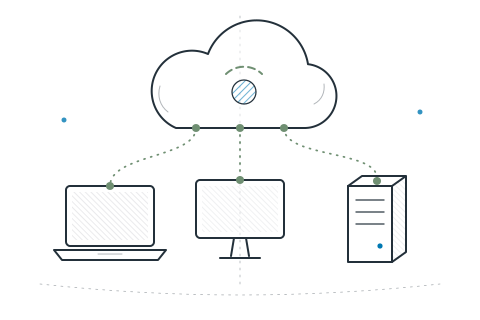
Cloud-based

In the cloud. Under control.

NeoUEM runs as a cloud service, so there’s nothing for you to install or patch on the server side. Its protection comes from how it’s built: device identity, signed commands and strict separation between organizations.

  • Nothing to host. Sign in from any browser; install only the agent on devices.
  • Devices dial out. No inbound ports need opening on managed machines.
  • Hosted in Singapore. Application and database both run there. The trust center lists every provider.
  • Plain about limits. We name each control and what it covers, and say what is not certified yet.
Questions & answers

Security questions, answered.

What security teams usually ask first.

Sketch of two speech bubbles: a question and a checked answer.

Where is my NeoUEM data stored?

In the NeoUEM cloud service operated by Cybzilla®, hosted in Singapore. The application runs on Google Cloud and the database on a managed PostgreSQL service in the AWS Singapore region. The database itself keeps each organization’s data separate. The trust center lists every provider and how data is handled.

Can someone send a fake command to my devices?

Every NeoUEM command is signed by your console and the device verifies that signature before acting. A command that was altered or did not come from your console is refused. Devices also authenticate to the server with their own certificates.

Does NeoUEM support single sign-on?

Yes. NeoUEM supports OIDC single sign-on with your identity provider and SCIM 2.0 for user provisioning, alongside passkeys and authenticator-app codes. SAML 2.0 sign-in is temporarily switched off while a fix in a third-party library is pending.

Is NeoUEM certified for SOC 2 or ISO 27001?

No. NeoUEM holds no SOC 2 or ISO 27001 certification today. Each control on this page states what it does and where it stops, and the trust center lists hosting, providers and data handling for your own review.

Review it yourself

See the details behind every control.

The trust center covers hosting, providers, data handling and how to report a vulnerability. For a larger fleet or a security questionnaire, talk to sales.

Open the trust center
Sketch of a cloud connected to a laptop, a desktop monitor and a server.