01 / SEE
Know everything you own.
Hardware, software, health and owner for every device, always current, with no spreadsheet to maintain.
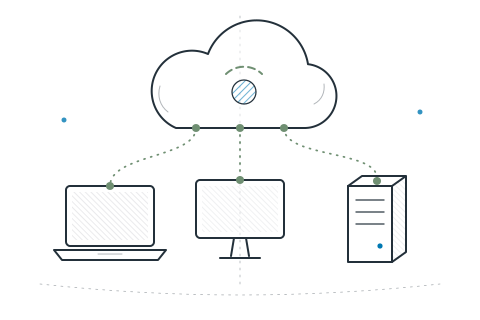
Live inventorySee every Windows, Mac and Linux machine you own. Fix problems before anyone files a ticket. No servers to run. Just sign in.
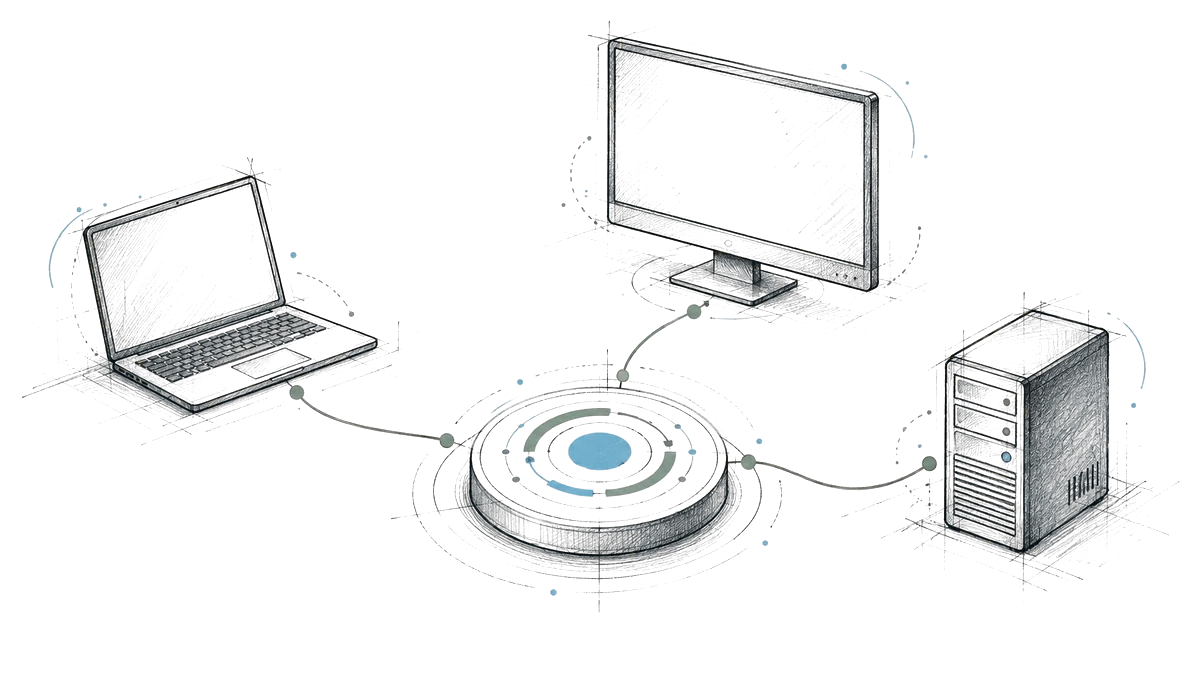
NeoUEM is a cloud-based unified endpoint management platform that lets IT teams enroll, inventory, secure, patch and support Windows, macOS and Linux devices from one console.
Hardware, software, health and owner for every device, always current, with no spreadsheet to maintain.
Live inventoryPush a policy, ship an update or open a remote session without leaving your desk, or waiting for the next check-in.
Policies & remote helpNeoUEM runs in the cloud. No servers to install or maintain. Sign in from any browser, anywhere.
Cloud-based by designThe everyday work of IT, handled from one place.
Every device keeps an open, encrypted line to your console. See its status, send an instruction and watch the result come back.

Keep systems and apps current with the package managers your devices already trust. Test on a few machines, then roll out to all.
Winget · Homebrew · APT · DNF · PacmanInstall the tools people need, silently and in stages. Every package is checked before it runs.
Checksum-verified · staged rolloutRequired apps, compliance checks, scheduled scripts and kiosk mode. Set it once. NeoUEM keeps every device in line.
Policies · compliance · dynamic groupsOpen a terminal on any managed device from your browser, or a remote desktop on supported Linux sessions.
Remote shell · remote desktop (Linux X11)Assign each computer to an employee, get a confirmed handover receipt and track returns when someone leaves.
Employee directory · custody history · returnsInstalled software is checked against the advisory feeds you load. Fix affected devices from the same screen.
Vulnerability catalog · remediationPolicy coverage, out-of-date agents and software results in one compliance report. Export devices, assets and compliance as CSV.
Compliance report · CSV export · audit logNeoUEM spots ChatGPT, Claude, Copilot, Cursor and more in your software inventory, so you can approve or flag each one.
Inventory-based app governanceWhich machines have this app? Which are missing a patch? Get the answer straight from the devices.
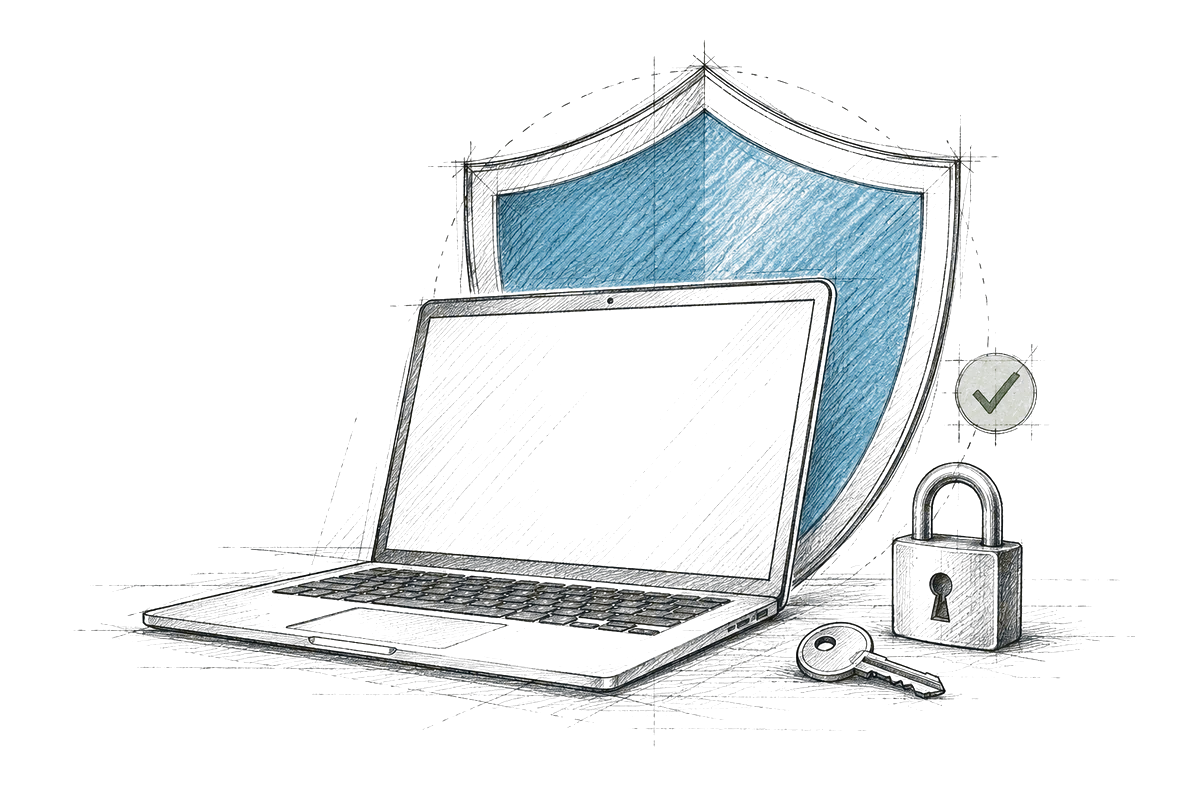
osqueryEach device gets its own identity when it joins. Every action is signed before it leaves your console and checked before it runs. Anything altered along the way is refused.
NeoUEM is built and operated by Cybzilla Systems Private Limited, an enterprise technology services company founded in Pune, India in 2019. About the company
 01 / SIGN UP
Start free for up to 10 devices. Once approved, your organization’s NeoUEM workspace is ready in the cloud. Need more? Talk to sales.
 02 / ENROLL
Install the small agent on Windows, macOS and Linux. Each device connects securely on its own.
 03 / MANAGE
Check inventory, apply policies and help people, all from one console in your browser.
The questions IT teams ask us most. Can’t find yours? Ask us directly.

NeoUEM is a unified endpoint management (UEM) platform from Cybzilla®. It brings your Windows, macOS and Linux devices into one console, where IT teams can enroll devices, see inventory, apply policies, deploy software and patches, and help people remotely.
Windows, macOS and Linux computers, including servers, through a lightweight NeoUEM agent installed on each one. NeoUEM does not manage phones or tablets: there is no iOS, iPadOS, Android or ChromeOS support.
Yes. NeoUEM is a cloud service run by Cybzilla®. You sign in to the console from a browser and install only the lightweight agent on each device; there are no servers for you to set up or maintain.
In Singapore. The application runs on Google Cloud and the database on a managed PostgreSQL service in the AWS Singapore region. The trust center lists every provider and how data is handled.
No. NeoUEM manages computers through its own agent rather than Apple or Microsoft mobile device management services, so you do not need an Apple push certificate or an Intune subscription. macOS configuration profiles sent through NeoUEM still need the user’s approval.
Each device receives its own certificate when it enrolls, and every command is signed before it leaves the console. The device checks that signature before acting and refuses anything that does not match. Read how security works.
Yes, through the package managers your devices already use: Winget on Windows, Homebrew on macOS, and APT, DNF or Pacman on Linux. You can send an update to a small pilot ring first, then widen the rollout.
NeoUEM is free for up to 10 devices. Start free with your work email; after approval your organization’s workspace is ready in the cloud. Fleets larger than 10 devices need a sales review so we can set the right capacity.
Yes. Start with the free workspace or go straight to sales. Tell us your fleet size and we reply with capacity, commercial terms and the material your security review needs.
Yes for up to 10 devices. Beyond 10 devices, contact sales to expand your workspace.
Manage every computer from any browser. Free for up to 10 devices. For a larger fleet, sales sets capacity and terms with you.